Free 3D Architecture Tools in 2026 — 7 Options Compared
Compare seven free 3D architecture and room design tools in 2026, including SketchUp Free, Sweet Home 3D, Floorplanner, Aedifex, Blender, and Spline.
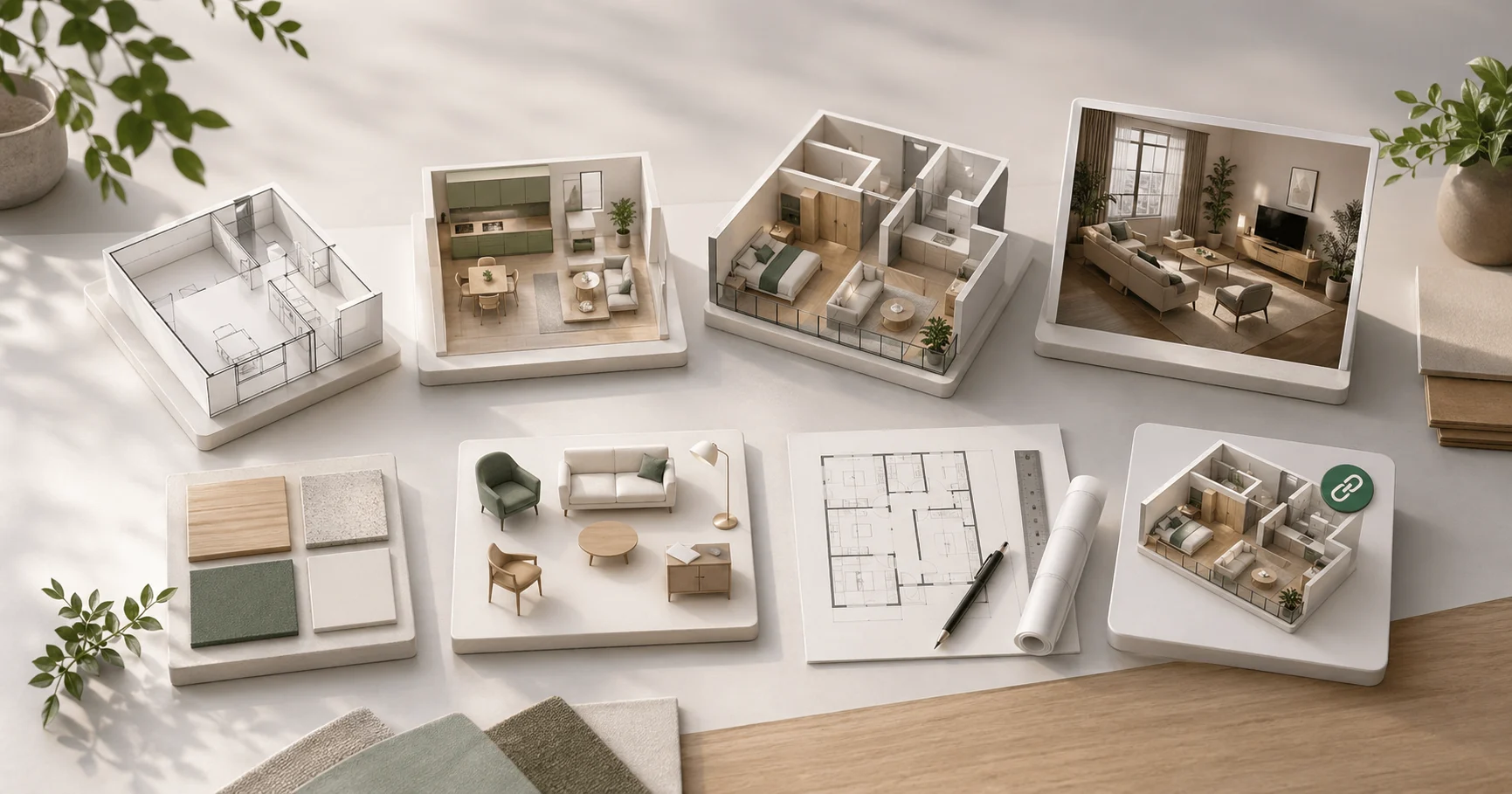
"Free 3D architecture tool" returns plenty of results, but many are demos with paywalled exports, trial periods, or furniture catalogs that disappear behind a subscription. This list compares seven tools that can be used meaningfully for free in 2026, then explains which one fits which job.
We include Aedifex because we make it, and we state where other tools are better. A free tool is only valuable if it saves work for the project in front of you.
1. SketchUp Free (web)
Best for: Students learning 3D modeling fundamentals.
The web version of SketchUp is the best-known name in this space. Push/pull modeling, the familiar scale figure, and access to 3D Warehouse make it a strong teaching tool. The free tier limits professional workflows but is capable for learning and early massing studies.
Limitations: No plugins (V-Ray, etc.). Only saves to Trimble cloud. No CAD export from Free tier. If you outgrow it, the paid Pro is $349/year.
Verdict: If you're learning, start here. The Pro version is the industry standard, so SketchUp skills transfer.
2. Sweet Home 3D
Best for: Hobbyists planning a room renovation on a budget desktop.
Sweet Home 3D is a 20-year-old open-source project that does one thing well: 2D floor plans with a 3D preview. Drag walls, drop furniture from a generous catalog, see the 3D view alongside. Runs on any computer with Java.
Limitations: Interface looks dated. 3D rendering is functional but not photorealistic. No built-in collaboration; you share the file or a screenshot.
Verdict: If you want a desktop app you'll never pay for, this is it. Save your project as a .sh3d file forever.
3. Floorplanner
Best for: Real estate agents creating 2D floor plans for listings.
Floorplanner specializes in producing clean, label-ready floor plans for listings. Free tier handles a few projects with watermarked exports. The 2D drafting flow is simpler than SketchUp; the rendered output is presentation-ready.
Limitations: 3D quality is modest. Furniture catalog is smaller than competitors. Watermark on free exports.
Verdict: For flipping a listing into a clean floor plan in 30 minutes, the right tool. For interactive 3D design exploration, look elsewhere.
4. Planner 5D
Best for: Mobile-first room planning, especially on iPad.
Planner 5D has a polished iPad and iPhone app. Works on web too. Friendly interface, fast learning curve. Free tier limits asset access; subscription unlocks more furniture.
Limitations: The free tier nudges aggressively toward subscription. 3D rendering is functional but the photorealistic mode is paywalled. No real architectural detail (precise wall thickness, custom door swings).
Verdict: If you primarily design on a tablet during meetings, this is the best fit. Otherwise the subscription pressure adds friction.
5. Aedifex
Best for: Browser-based interior design with AI assistance and free sharing.
Disclosure: this is our tool. We built Aedifex for the gap between "too simple to be useful" and "too heavy to learn casually." The free tier saves three projects with the full editor and AI assistant. WebGPU-based rendering keeps material and lighting changes live. Share links open in the browser, so reviewers do not need the app installed.
Limitations: No construction documents (yet). Catalog is curated, not exhaustive. Browser-only, so no offline work.
Verdict: If you want browser-first speed and AI assistance, try the demo without signing up. For deeper comparison see our SketchUp vs Aedifex post.
6. Blender
Best for: Photorealistic architectural rendering when you have time to learn.
Blender is the heavyweight option. Free, open-source, professional-grade. Cycles renderer produces photorealistic images. The architectural visualization community has built extensive tutorials and asset libraries on top of Blender.
Limitations: 40-100 hours of learning to be productive in architecture. Not designed for floor plans; you build geometry from primitives. Rendering takes minutes to hours per image.
Verdict: If your goal is photorealistic interior shots for a portfolio or a magazine, learn Blender. If you want to plan a layout in an afternoon, Blender is the wrong tool.
7. Spline (web)
Best for: Designers who want creative 3D shapes, less so architecture.
Spline is a browser-based 3D design tool aimed at product and brand designers, not architects. Bezier-curve modeling, materials, animations. Free tier is generous.
Limitations: Not architecture-specialized. No floor-plan workflow. No accurate-dimension catalog of furniture.
Verdict: If you need a product hero shot or an animated 3D asset, Spline. If you need to plan a kitchen renovation, not Spline.
Quick Decision Table
| Need | Tool |
|---|---|
| Plan a renovation, share with family | Aedifex |
| Submit a real estate listing | Floorplanner |
| Photorealistic portfolio shots | Blender |
| Learn 3D modeling fundamentals | SketchUp Free → Pro |
| iPad-first design | Planner 5D |
| Lifelong free desktop app | Sweet Home 3D |
| Brand / product 3D | Spline |
What Makes a Free Tool Actually Useful
- Real free tier, not a 7-day trial labeled "free"
- Save your work without paywalled exports
- Learn in under an hour — if setup takes all evening, the free price does not matter
- Modern rendering — 2010-era 3D screenshots will not convince a contractor or a partner
By those criteria, Aedifex, SketchUp Free, Sweet Home 3D, and Blender are the safest starting points, depending on whether you need room planning, modeling practice, desktop simplicity, or photorealistic rendering.
Try Aedifex Free
Open the demo (no account) or sign up free for three saved projects.