How WebGPU Makes Browser-Based 3D Design Fast
Learn how WebGPU improves browser 3D design with compute shaders, lower JavaScript overhead, modern GPU access, and real-time room rendering.
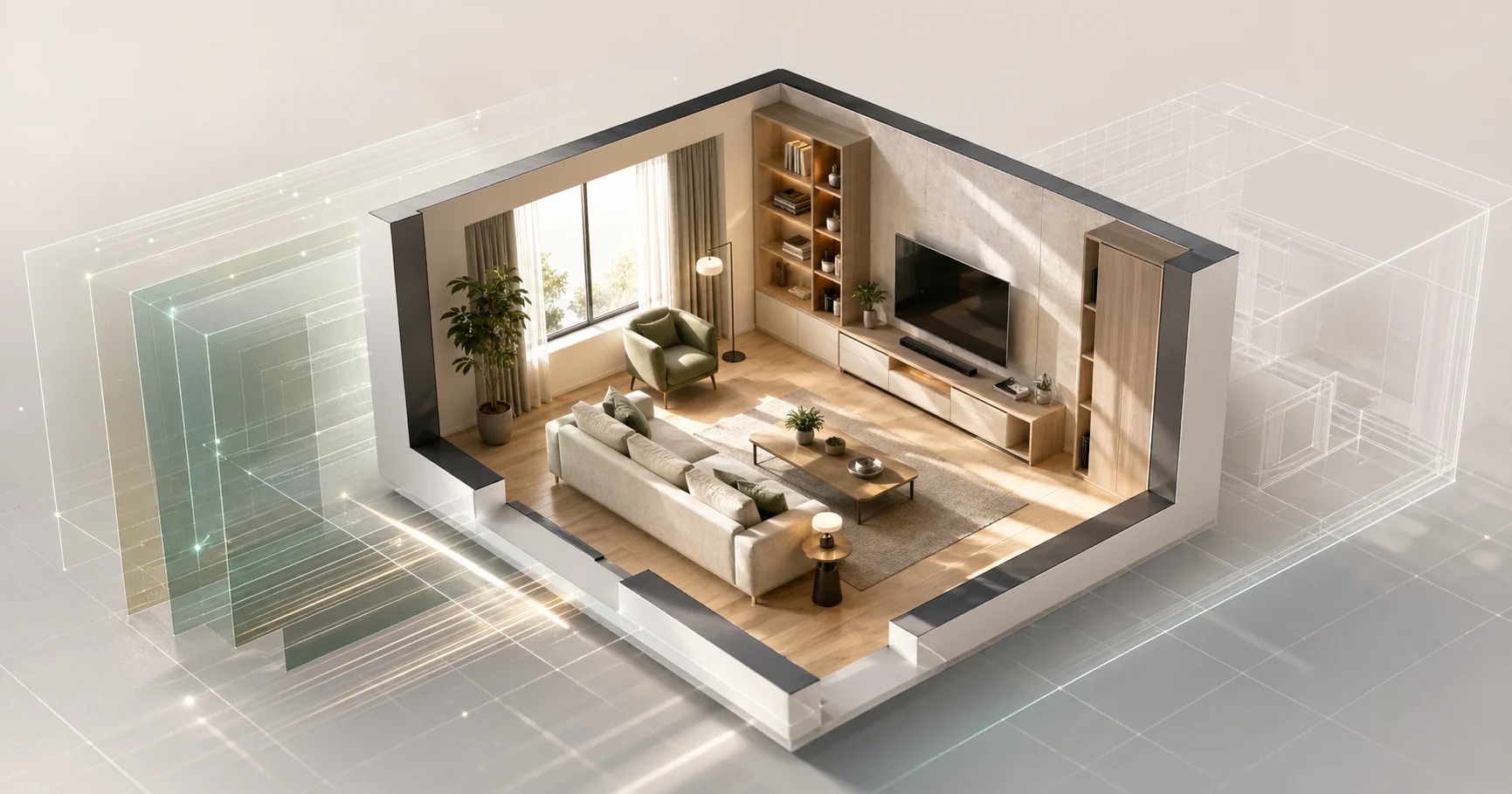
A browser can now do more than display a lightweight 3D preview. With WebGPU, it can talk to modern graphics hardware in a way that looks much closer to desktop rendering APIs. This is why Aedifex can update materials, furniture, and lighting while the scene stays interactive.
A Quick History
Browser 3D used to mean WebGL, a JavaScript binding for OpenGL ES that landed in Chrome around 2011. WebGL made things like Google Maps' 3D view, Tinkercad, and SketchUp Free possible. But it was always a compromise: built on top of an aging API that itself was a compromise on top of vendor-specific desktop GPU APIs.
The biggest WebGL pain points:
- Single-threaded JS bottleneck. Most graphics calls bounced through the main JS thread. A scene with thousands of objects choked on draw-call overhead long before the GPU was busy.
- No compute shaders. WebGL 2 added some compute-like features but nothing close to modern GPU programming.
- Old shading language. GLSL ES 3.0, fine for 2010-era effects, painful for modern PBR and complex lighting.
WebGPU is the redesign that takes lessons from Vulkan, Metal, and Direct3D 12 and brings them to the browser. It is still marked by MDN as not fully Baseline because support varies by browser and device, but the direction is clear: modern GPU access is now part of the web platform.
Three Things WebGPU Does That WebGL Couldn't
1. Real Compute Shaders
You can run general-purpose GPU code, not just rendering. For a design editor, that matters for tasks like light culling, spatial checks, and batching scene data. Work that would crowd the JavaScript main thread can move closer to the GPU.
2. Multi-Threaded Command Recording
WebGPU gives rendering code more explicit control over command buffers and resource binding. A complex scene with many wall segments and furniture instances can be prepared with less per-object overhead than a traditional WebGL loop.
3. Modern Shading Language (WGSL)
WGSL is purpose-built for the web. Type-safe, easy to validate, no driver-level UB. We use WGSL for our PBR (physically-based rendering) shaders, which is what makes material previews look like the actual material instead of like a 2002 video game.
How Aedifex Uses WebGPU
Real-Time PBR Rendering
Every material in Aedifex's catalog ships with PBR maps: albedo (color), normal (surface detail), roughness (how shiny), metalness (metal vs non-metal). The shader evaluates them all per-pixel using Cook-Torrance BRDF — the same math used by V-Ray and Cycles, just running 60 frames per second in your browser instead of 60 minutes per frame on a workstation.
For technically curious readers: this style of renderer typically combines clustered or tiled light management, screen-space effects, temporal anti-aliasing, and material shaders written in WGSL. The important user-facing result is simpler: moving a light or changing a floor material should feel immediate.
Instanced Furniture
A typical living room has multiple chairs of the same model. Each rendered as a separate object, that's 4-8 draw calls just for chairs. With instancing, all four chairs render in one call. WebGPU's storage buffers make this clean to implement — we don't have to encode instance data into vertex attributes.
Dynamic Lighting
When you drag the sun-position slider in Aedifex, lighting recomputes in real-time. The sun is a directional light with cascaded shadow maps. Indoor lamps are point lights with the same. Light contribution is calculated per-pixel in the fragment shader. WebGL could do basic shadow maps; WebGPU's improved binding model makes managing dozens of light sources practical.
What Browsers Need
WebGPU support as of 2026 is broad enough for serious browser 3D work, but it still needs feature detection:
- Chromium browsers: the most mature path for WebGPU today
- Firefox and Safari: support has improved, but users should still expect version and device differences
- Older devices and managed browsers: may need a WebGL fallback
Aedifex detects capabilities before choosing the renderer. On browsers without WebGPU, users should still see the editor through a reduced-fidelity fallback rather than a blank canvas.
Why This Matters for Browser-First Tools
Five years ago, building a serious 3D design app in a browser meant compromising visuals to fit WebGL. Today, browser-based tools can match desktop tools on rendering quality at the iteration scales most users care about.
That is the reason Aedifex is browser-first. It is not a static 3D viewer attached to a 2D web app; it is an interactive design editor where "no install" and "share by URL" do not require giving up live rendering.
Try It
Open the demo on any modern browser. Watch the lighting update in real-time as you change the time of day. That's WebGPU working.
For tool comparisons: Aedifex vs SketchUp. For all available tools: Free 3D Architecture Tools 2026.