Soundbar Below a TV: Screen Clearance and Remote Reception
Separate screen clearance from infrared reception with 68 mm and 54 mm soundbar examples, a simple sightline calculation and a seat-by-seat test record.
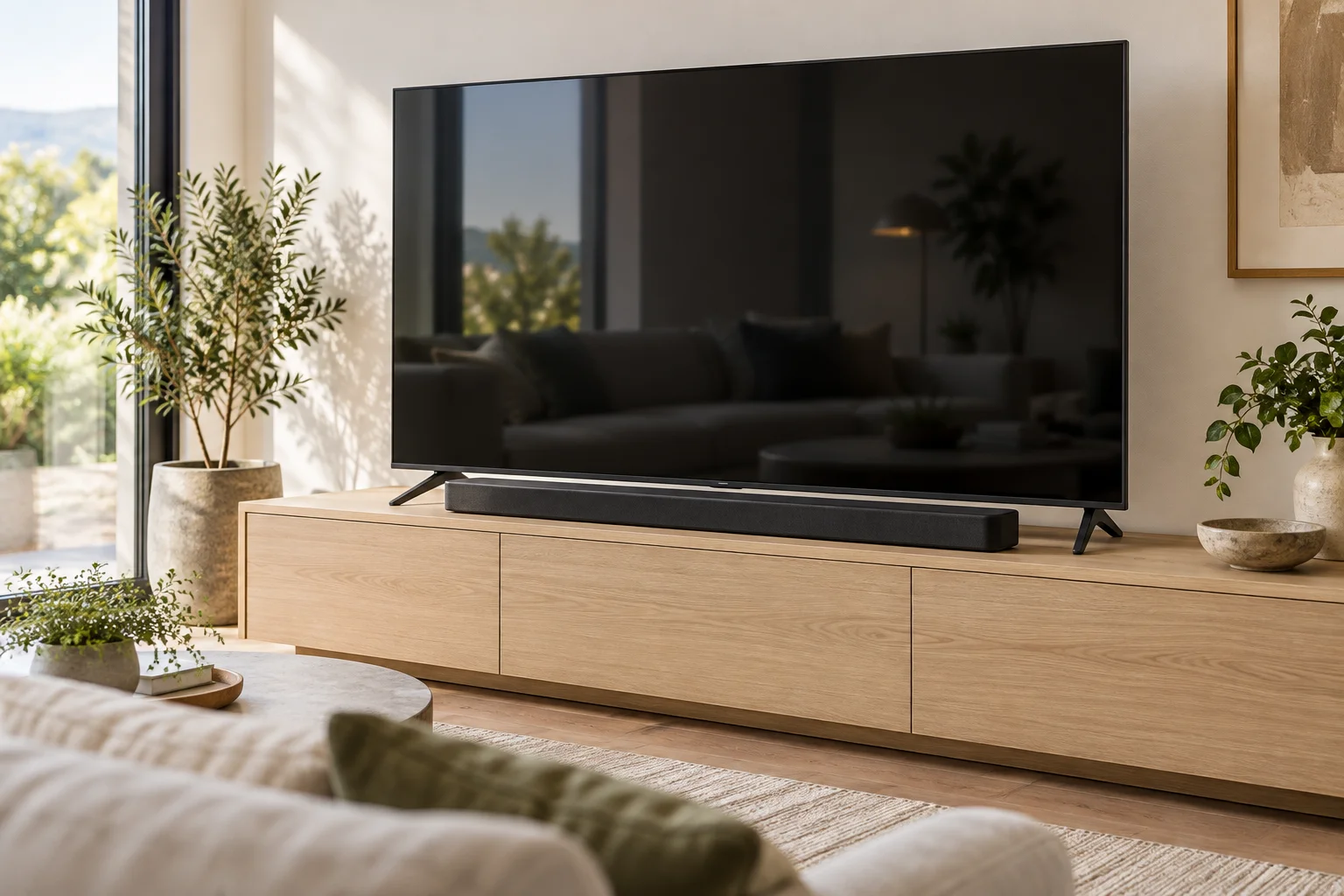
A soundbar can sit below the visible picture yet cover the TV receiver from a normal remote position. Choose the arrangement by checking the installed outline, seated view and actual control method separately. The examples are invented comparisons, not product compatibility claims.
Find the receiver and trace a possible ray
Use one datum: the finished console top supporting both devices. Include soundbar feet and any approved pad, and identify the visible picture edge separately from the TV bezel. Find the receiver in the model documentation; a status lamp is not necessarily the receiver. Record depth positions as well as heights.
A simplified ray example uses the console top as the height datum. The receiver centre is 61 mm high, and the remote is 200 mm high and 2,000 mm forward of the receiver. Examine a soundbar cross-section 100 mm forward of the receiver, explicitly assuming that the ray crosses the bar horizontally at that section. Its height there is 61 + (200 − 61) × 100 / 2,000 = 67.95 mm, approximately 68 mm. Against a nominal 68 mm bar, the calculated 0.05 mm difference only identifies a nominal boundary case; it cannot support a measured pass or failure. This line omits receiver area, beam spread, dimensional uncertainty and the rest of the bar depth. Record the actual section and lateral alignment, then test the real devices from each seat.
Compare height without declaring reception
With screen bottom 78 mm and receiver centre 61 mm above the top, bar A at 68 mm leaves a screen difference of 10 mm and receiver-centre difference of −7 mm. Bar B at 54 mm gives 24 mm and 7 mm. No height difference alone determines reception: use the sequence diagram to gather evidence and the second diagram to identify evidence still missing.
Retest after changing height or depth
Do not remove TV feet or improvise blocks simply to raise the screen. An approved mount can change viewing height, support loads and cable travel; check all three. Sliding the bar forward changes the ray geometry and consumes depth, so repeat the test instead of treating forward movement as a guaranteed cure. An infrared repeater is an option only where the actual products support it. Bluetooth volume control working does not prove infrared power commands work.
Record the seat, command and control method
Download the measurement and test record (CSV). Record the TV and soundbar model, receiver location, front-to-back offset and each tested seat in the sheet. Name the command and control method so Bluetooth success cannot hide an infrared failure. Keep missing receiver information unresolved, and repeat the same commands after changing the bar. The CSV stores your written evidence without formulas; the interactive steps do not save it or certify reception.
Change the example in the interactive exercise
Check console airflow and cable access as a separate equipment task.
Geometry and assumptions
An invented setup places the visible screen bottom 78 mm above the console top and the TV infrared receiver centre 61 mm above it. Soundbar A is 68 mm high including feet on the same top, and stands forward of the receiver. A 10 mm screen-height difference is not proof of an unobstructed remote path.
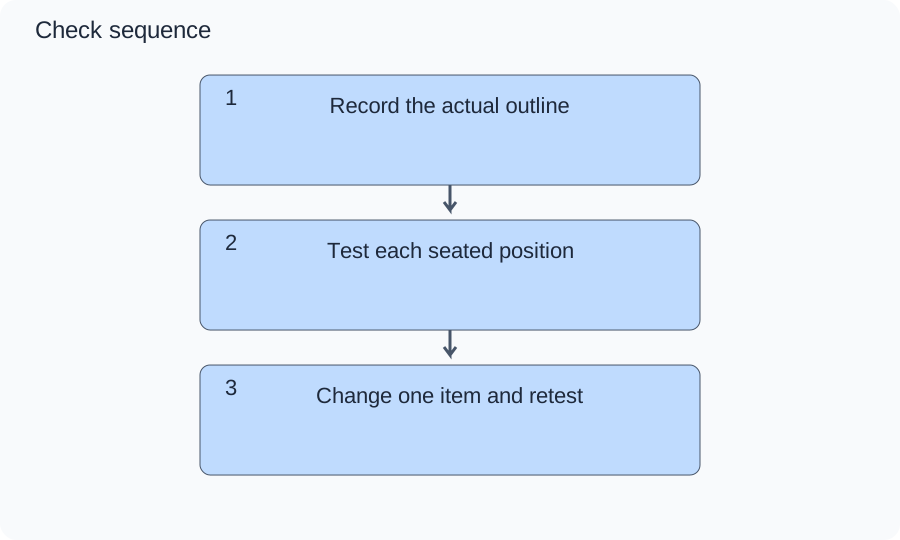
Diagram A is the order of evidence collection: outline, path, then retest. Compare 78 − 68 = 10 mm for the screen and 61 − 68 = −7 mm for the receiver centre. The second number is a height comparison only: depth and ray angle determine obstruction, so this is not a collision drawing.
Numbers and marks identify the items described here; use the stated dimensions rather than measuring the screen.
1: dimensional evidence; 2: viewing and remote-path evidence; 3: revised installation evidence. Arrows are a check sequence, not sound or light rays.
| Step / option | What to check |
|---|---|
| 1. Record the actual outline | Read the model drawing and measure from the console top to the screen bottom, receiver and bar top including feet. Save a side photo with depth offsets. If receiver location or installed height is unknown, stop the fit decision. |
| 2. Test each seated position | With the bar in place, inspect bottom-screen content and operate verified infrared commands from each usual seat and hand height. Record seat and successful or failed command. Repeated failure or hidden content rejects that placement even with a positive height difference. |
| 3. Change one item and retest | Compare the 54 mm candidate in the same position or an approved mount from its instructions. Repeat all seats and document support, access and upward-driver clearance. If only one seat works or the proposed mount lacks approval, keep the decision unresolved. |
Changed conditions and evidence
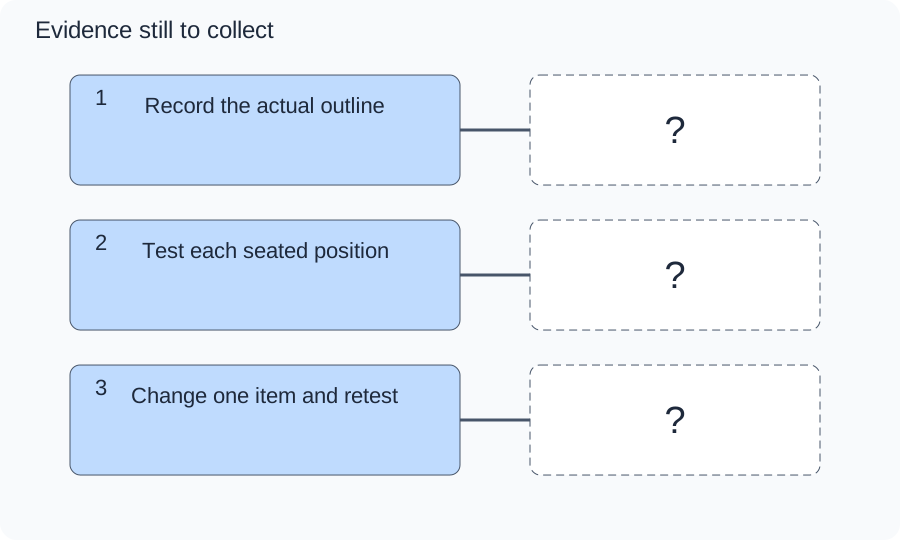
Option B substitutes a hypothetical 54 mm soundbar: screen difference 24 mm and receiver-centre difference 7 mm. Diagram B assigns an evidence slot to each stage; the lower outline reduces one risk but does not certify reception or acoustics. The tradeoff is a different product and potentially different driver arrangement.
The question marks are evidence still to obtain, not a completed check.
Keep manufacturer-approved feet, support and placement. Test the real TV remote from every normal seat, distinguishing infrared commands from Bluetooth or HDMI-CEC. Record repeatable failures and the exact configuration; never mark unknown receiver position or untested seats as passed.
TRY THE EXAMPLE
Check the soundbar outline and remote path separately
An invented setup places the visible screen bottom 78 mm above the console top and the TV infrared receiver centre 61 mm above it. Soundbar A is 68 mm high including feet on the same top, and stands forward of the receiver. A 10 mm screen-height difference is not proof of an unobstructed remote path.
Read the model drawing and measure from the console top to the screen bottom, receiver and bar top including feet. Save a side photo with depth offsets. If receiver location or installed height is unknown, stop the fit decision.
Keep manufacturer-approved feet, support and placement. Test the real TV remote from every normal seat, distinguishing infrared commands from Bluetooth or HDMI-CEC. Record repeatable failures and the exact configuration; never mark unknown receiver position or untested seats as passed.
Teaching assumptions, not a surveyed home or a construction check. Results describe this simplified geometry or budget only. Changes stay on this page and reset on reload.